VEX documentation
Start with a shared repository, then ship from it
A practical path through Vex source control, deployment, and automation for engineers and agents working in one monorepo.
Get started
A deliberate first hour
- 01
Create or choose an organization
Every organization has a Home repository: the shared history where imported projects and native work meet.
- 02
Set up your machine and clone the Home repository
Choose the macOS or Windows + WSL setup guide, then use vex clone <org>/home to begin from the organization-level working copy.
- 03
Make and submit a stack
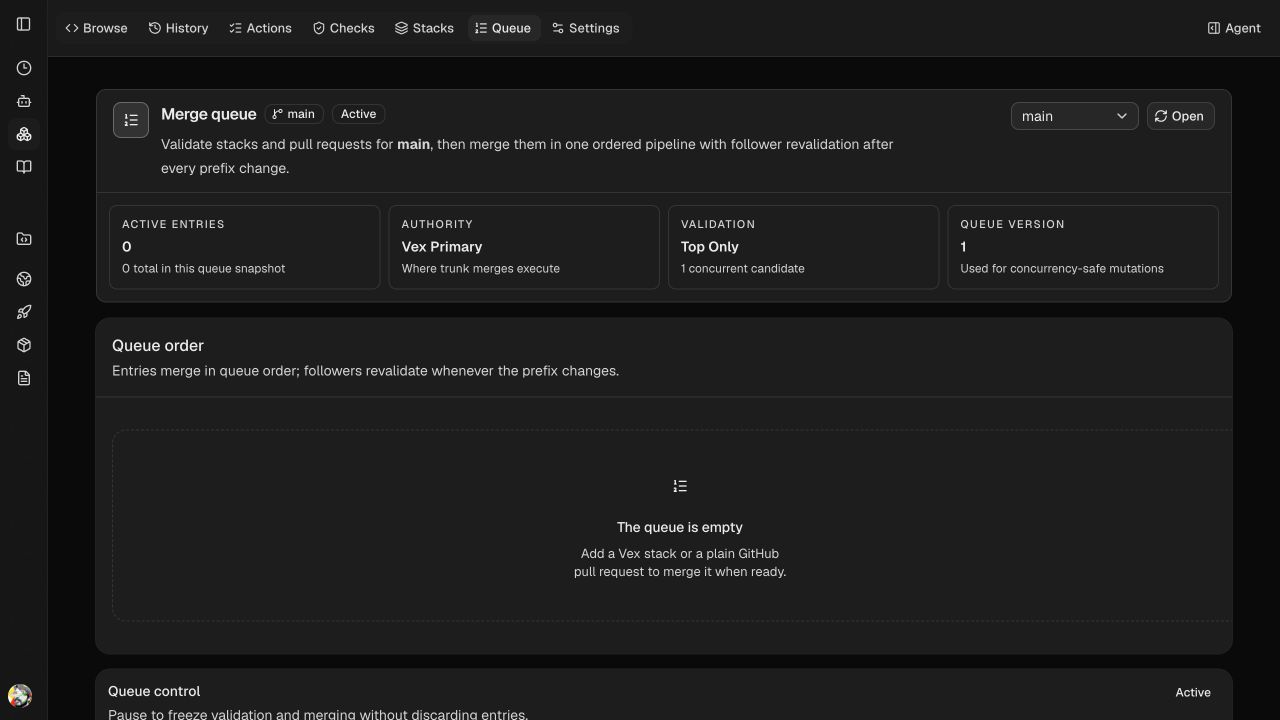
Create small JJ changes, run vex submit, and use the queue when the stack is ready to merge.
- 04
Deploy and observe
Move to Hosting to configure services, create a deployment, and follow the runtime from the same organization.
Source in practice
Browse the organization’s source without leaving the workflow
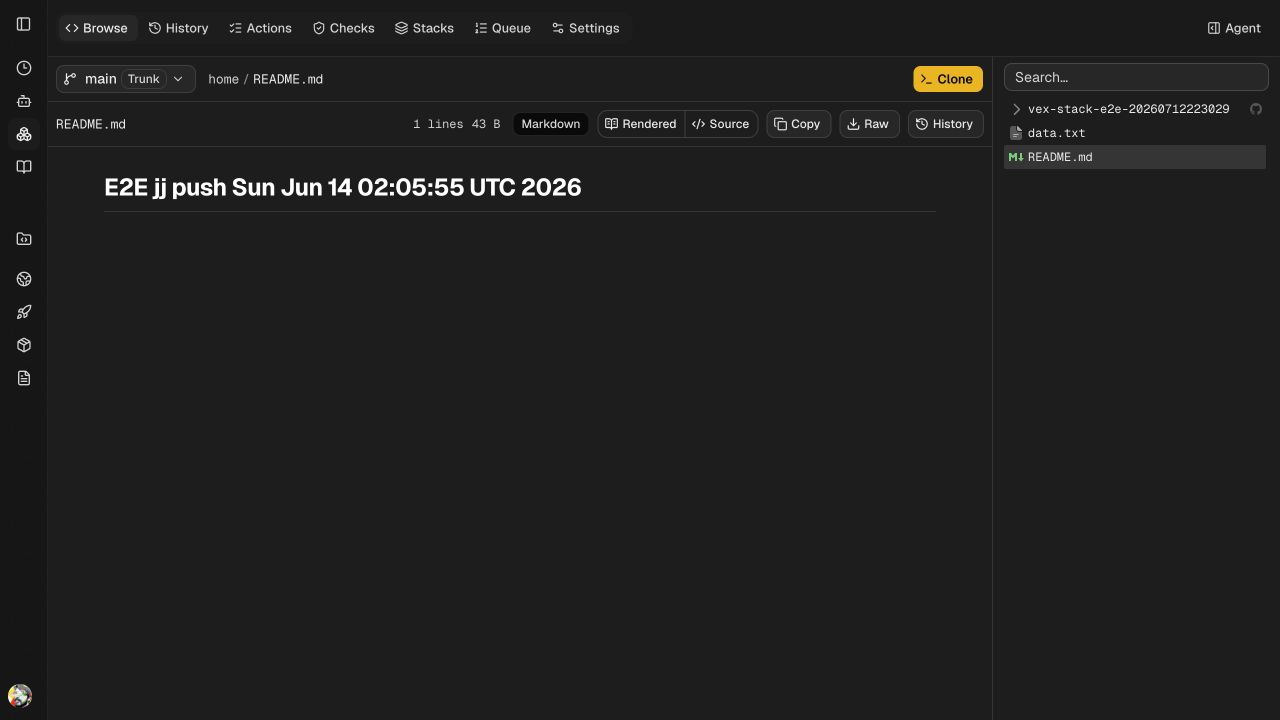
These are the signed-in e2e-test-org Home repository surfaces: browse source on trunk, then use the merge queue when a stack is ready.
Explore capabilities
Choose the workflow you need
Source control
JJ-backed repositories, virtual roots, daemon-backed working-copy capabilities, branches, and access tokens.
Hosting
Apps, environments, services, deployments, static sites, custom domains, CDN, and runtime controls.
Vex Hub
Org-scoped container repositories at registry.vex.sc with Docker token auth and CLI-driven pushes.
CLI
Repository commands, Git/GitHub import, auth, hosting, static-site deployment, artifacts, and Vex Hub publishing.
macOS setup
Install Vex on macOS, then choose a standard local checkout or a MacFUSE-backed virtual mount.
Windows with WSL
Install and use Vex in a WSL Linux distribution while keeping Windows desktop agent boundaries explicit.
Platform contracts
OpenAPI, typed clients, route coverage, and token-scoped control-plane calls for automation.
Remote Git sync
GitHub App and generic HTTP(S) Git sync configuration and queued sync runs.
GitHub materialization
Weave a GitHub repository’s full history into a monorepo folder and keep both sides in sync.
GitHub-compatible CI
Run GitHub Actions-style .vex/workflows on Vex CI with compatibility reports and GitHub checks.
Reference
Current capability index
- Create and browse Vex organizations and repositories
- Import existing Git and GitHub repositories into a Vex monorepo
- Materialize a GitHub repository’s full history into a monorepo folder and sync it both ways
- Inspect local virtual working-copy capability boundaries for CLI and desktop workflows
- Run GitHub Actions-compatible workflows from .vex/workflows on Vex CI
- Push and inspect org-scoped container images with Vex Hub
- Manage hosting apps, services, environments, deployments, domains, and CDN
- Deploy static sites through the CLI and API
- Issue repository access tokens and Docker registry tokens